Mojang’s 25W03A snapshot spices up the block world with fresh test features, inviting builders and explorers to push boundaries before the patch lands.
Having said that, let’s dive deeper to learn more about what Mojang has to offer us this time.
Minecraft Snapshot 25W03A: All New Features
Minecraft Snapshot 25W03A introduces a suite of experimental features aimed at testing new gameplay and performance tweaks. Players can expect updated world generation options, tweaks to biome behavior, and early access to UI refinements that pave the way for future updates. This snapshot emphasizes feedback-driven changes, inviting testers to explore, report, and help shape how these ideas evolve.
Test Features
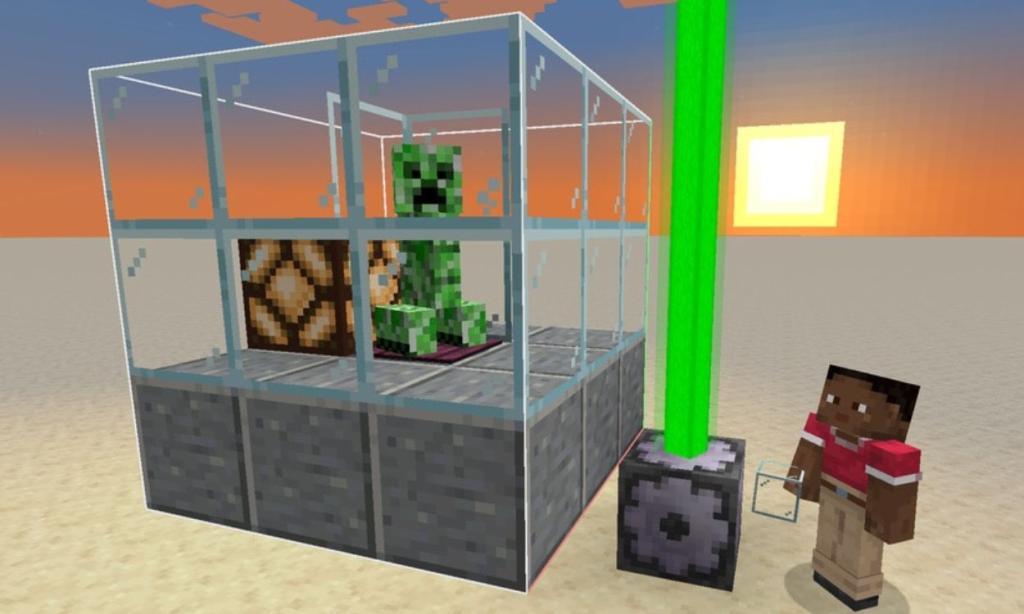
There are loads of test commands introduced in this snapshot that are available through the data packs. Check this feature out by opening your chat box and typing “/test.” Enter, and numerous queries will appear on the screen. These queries will help you run the tests.
Well, in simpler words, you can designate a 3D space in your Minecraft world that will run your tests. Now, you can put the new entities in here and make them interact with other mobs and items. Alternatively, let’s say you want to see how they react in a certain environment.
Finally, there are four new blocks that determine the following during a test process: start, log (gives a message), fail, and accept. During a test run, you will be able to notice the changes and the success by the color of the beacon beside the test environment.
- Gray: Means Test is ongoing
- Red: Means failed a Required Test
- Orange: Means failed an optional Test
- Green: Means Test has succeeded
Leaf Litter and Wildflowers
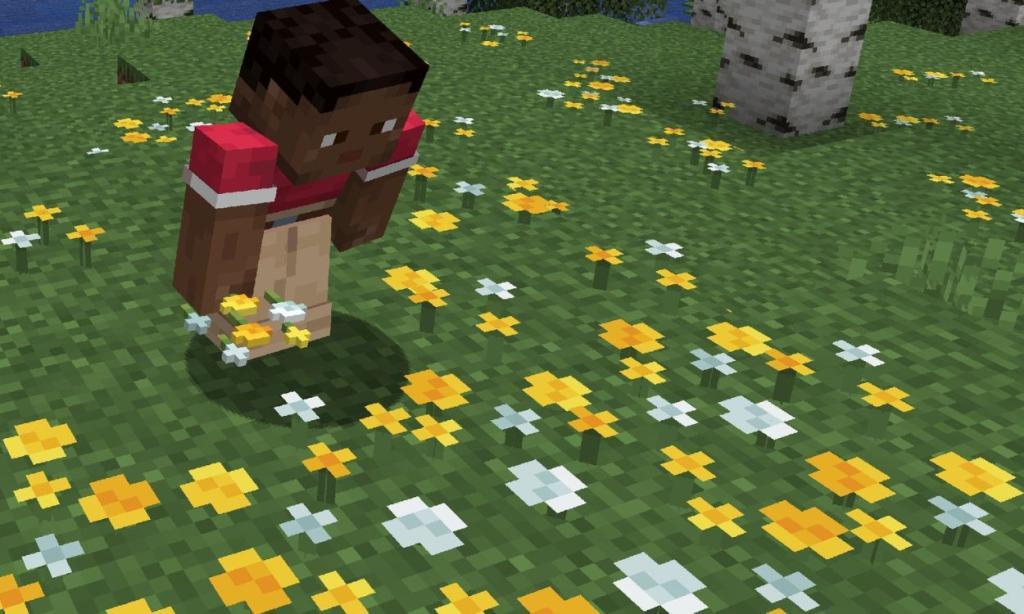
With the latest Snapshot 23W03A, the leaf litter can be used as an ingredient in the Composter. So head over to any forest, where you can find leaf litter, collect it, and throw it in the Composter. You will get Bonemeal at a very low-cost resource.
Moreover, coming to the Wildflowers, introduced in the previous Minecraft Snapshot 23W02A, these were not being reproduced even when using bonemeal. This bug has now been fixed, and it was seen that the Cherry Petals were getting affected as well.
Now, you can place the Wildflowers and petals on the grass and use bonemeal on a single unit to reproduce them. Furthermore, you can head to the Meadows and use bonemeal on the grass surface to get wildflowers in Minecraft. Also Read: How to Make a Villager Breeder in Minecraft
Saddles
The next significant feature of this Minecraft Snapshot is that the saddles used for Pigs and Striders will now retain their properties all the time. For instance, once you give your saddle a name and use it on the mob, the name will not disappear when the mob drops the item.
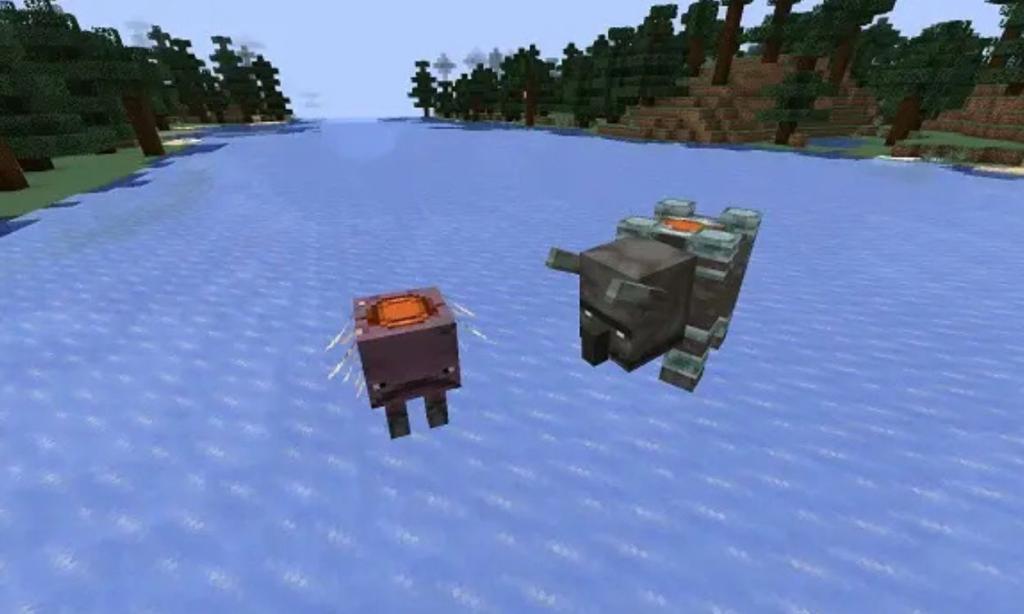
There’s a new feature known as Equipment Assets that adds a new layer type for the mobs that can equip saddles. This is great for making the resource packs that adds customizable saddles to the horses, pigs, and so on.
How to install Minecraft 25w03a snapshot
To install the Minecraft 25w03a snapshot for Java Edition, use the official Minecraft Launcher and enable snapshots in the Installations tab. This process is straightforward and mirrors steps for prior snapshots like those described in recent guides. Always back up your worlds first, as snapshots can introduce instability.
Official Launcher Steps
Open the Minecraft Launcher and navigate to the Installations tab. Toggle “Snapshots” on to reveal available versions, then select or create a new installation using “25w03a” and click Play to download and launch. For a new profile, choose “Latest Snapshot” if it’s listed, or manually pick 25w03a from the version dropdown during setup.
TLauncher Alternative
Launch TLauncher, go to Settings (gear icon), check “Display Snapshots,” and save. Return to the main screen, select 25w03a from the version tab, and click Install or Launch.
Precautions
Test in a separate folder from main worlds to avoid corruption. Server JARs for 25w03a are available via official links for multiplayer setups.
What are the new features in 25w03a snapshot
Minecraft Snapshot 25w03a introduces experimental Game Tests, leaf litter enhancements, and saddle improvements for Java Edition. Released on January 14, 2025, it emphasizes technical tools for modders alongside bug fixes.
Game Tests System
Data pack version 63 unlocks the /test command for creating 3D test areas with new blocks: Test Block (start), Log Block (messages), Fail Block, and Accept Block-signaled by beacon colors. Supports block-based and code-integrated tests on mobs, items, and environments for easier mod development.
Leaf Litter Updates
Leaf litter now composts into bonemeal and generates wildflowers in meadows with bonemeal. Mushroom blocks can replace it without issues, and it no longer overwrites leaves during world generation.
Saddle Enhancements
Saddles retain custom names and properties when dropped from pigs, striders, horses, donkeys, mules, and camels-even under invisibility effects. New equippable component adds saddle slots with attribute modifiers and right-click equipping (via equip_on_interact).
Technical Changes
Entity variants use components (e.g., wolf/variant, cat/collar). Fixes include smoother TNT motion, no falling off edges while sneaking, corrected fall damage (23 blocks), and powder snow-fire sound spam.
