Genshin Impact hands players the tools to craft custom stages, turning Teyvat into a playground of player-made chaos and ingenuity.
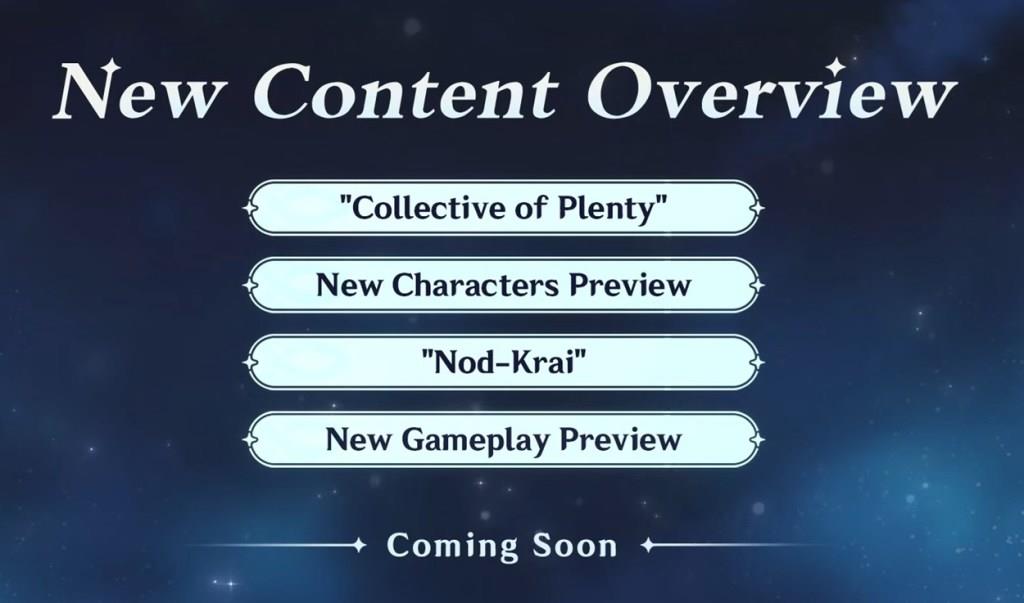
The biggest reveal at the end of the livestream was the addition of a new creative mode in the future that will allow Genshin Impact players to create their own gameplay stages. This can be new puzzles, fights, or competitions. These gameplay stages can be played by other Genshin Impact players, either with their friends or strangers.
If you are having a hard time understanding this game mode, you can basically relate it to Fortnite Creative or a bit like Minecraft Worlds. A game like Genshin Impact with such a strong player count can definitely put such a game mode to good use and create infinite content for each other to enjoy. I look forward to the implementation of the new game mode from Genshin Impact, and hopefully, a similar game mode will also appear in the other Hoyoverse games in the near future.
Other than the new game mode announcement, the developers also shared their plans for the upcoming versions after Genshin 5.3, sharing the silhouette of seven upcoming characters. One of these characters is likely Iansan, as it matches her profile perfectly.
How will the UGC editor work step by step
Genshin Impact’s UGC editor enables players to build custom stages using in-game assets through an intuitive, modular interface similar to Roblox Studio but tailored to Teyvat’s mechanics.
Accessing the Editor
Enter via the Wonderland Lobby hub or a dedicated menu after patch 6.1 unlocks it. Select “Create Stage” to load a blank canvas with tools for terrain, objects, enemies, and scripting basics.
Step-by-Step Creation
-
Place Terrain and Props: Drag assets like cliffs, trees, or buildings from asset libraries; resize, rotate, and layer them freely for environments.
-
Add Gameplay Elements: Insert enemies, puzzles, traps, or objectives (e.g., defeat waves or collect items); set behaviors via simple node-based scripting.
-
Configure Player Rules: Define spawn points, win/lose conditions, timers, and co-op settings for up to 20 players.
-
Test and Iterate: Use a playtest mode to simulate solo or multiplayer runs, tweaking physics, difficulty, and visuals in real-time.
Publishing Process
Finalize with thumbnails and descriptions, then upload to the public catalog. Stages gain visibility via likes, plays, and leaderboards; creators earn rewards like Primogems based on popularity.
Outline a detailed UGC video editing checklist
UGC video editing checklists ensure polished, brand-aligned content for platforms like TikTok or Instagram Reels, focusing on authenticity and engagement.
Pre-Editing Prep
Organize raw footage into folders by scene or script section. Review all clips for quality, noting key shots, B-roll, and audio issues like background noise. Back up files and import into editing software such as CapCut, Premiere Pro, or Final Cut Pro.
Core Editing Steps
-
Trim and Assemble: Cut unnecessary footage, arrange clips per storyboard or script sequence, aiming for 15-60 seconds total length.
-
Enhance Audio: Balance levels, add voiceover if needed, sync music or sound effects, and include captions for 80-90% of spoken words.
-
Visual Polish: Adjust color grading for consistency, apply transitions sparingly, and overlay text/graphics for hooks, benefits, and CTAs.
Review and Export
Check pacing for 3-second retention hooks, test on mobile devices, and gather feedback on authenticity. Export in 9:16 aspect ratio at 1080p, with platform-optimized settings like H.264 codec.
