Masters of blocky worlds, these mods reshape how you play Pocket Edition-from magic-like gadgets to AI companions, transforming every sprint, sprint, and sprint again into new adventures.
From adding monsters, mythical creatures, and epic weapons to bringing realistic textures and new abilities, the following Minecraft mods for Pocket Edition are the best among all. So, without further ado, let’s check them out.
1. 99 Night Forest Mod
In 99 Night Forest, players explore a dense, moonlit woodland filled with stealthy creatures, hidden ruins, and rare resources. The mod enhances texture and ambience, adding shadowy paths and eerie sounds that heighten tension during nocturnal quarrying and exploration.
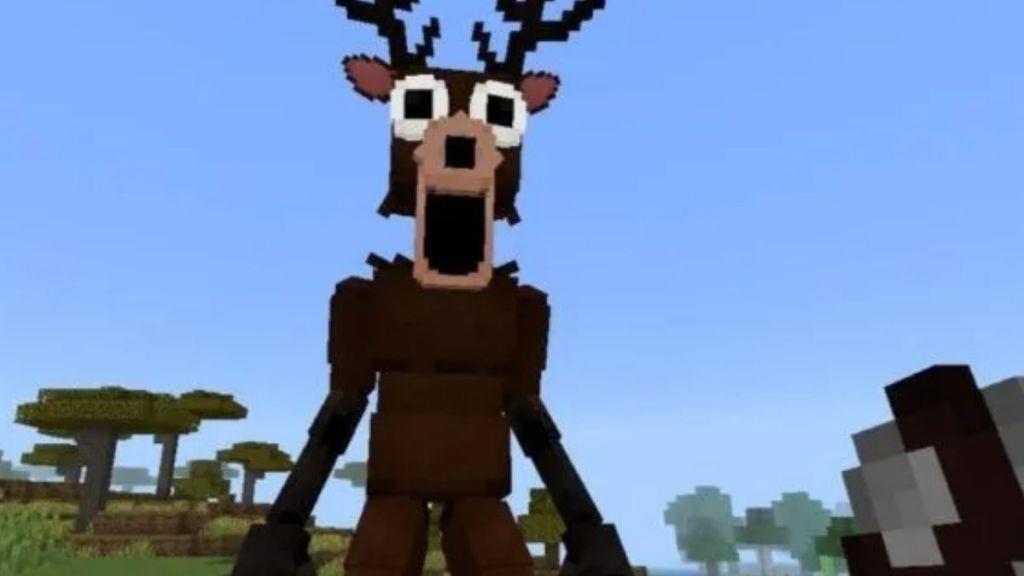
We are starting the list with a Minecraft horror mod, perfect for those who love mysterious adventures that give them the chills. The 99 Night Forest mod is a must-try, and it can transform your peaceful Overworld into a dark forest filled with creepy creatures.
This mod adds terrifying creatures like Wndigo and Cultists. Whereas for survival, you can equip yourself with the right weapons. The flashlight and the crossbow are perfect for defending yourself once night falls. Simply having courage will not be enough. A good strategy is the key ingredient when dealing with these creatures, even with less equipment.
Download 99 Forest Mod
2. Backpack Mod
Backpack Mod adds portable storage to Minecraft Pocket Edition, letting players craft backpacks in various sizes to carry extra items without filling inventory slots. Place one down as a chest or wear it on your back for quick access during adventures. It supports dyes for customization and works seamlessly with other mods, making long explorations less of a hassle by keeping gear organized on the go.
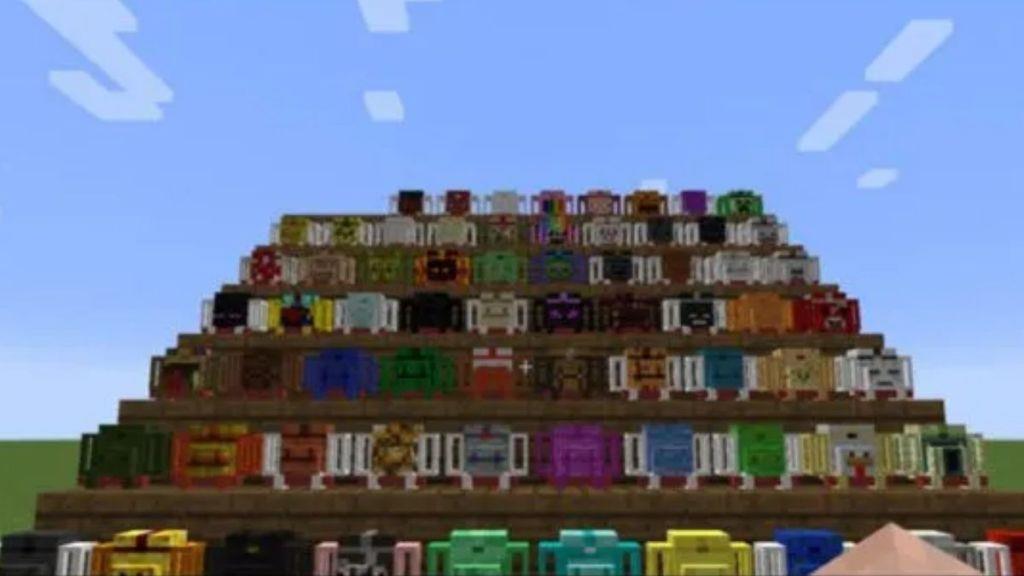
Once in a while, all of us crafters have faced the same issue of our inventory getting filled up while exploring the different biomes. So, the Backpack mod has arrived to solve this storage issue and adds some additional features as well.
Firstly, you get backpacks of three sizes – small, medium, and large, depending on the number of slots. Inside, you can store anything you want, from blocks, wooden logs, to buckets of water, lava, and potions. Moreover, you can further customise your backpacks with different dyes and even lock them up with security belts. Now, if you’re looking for more such backpack mods in Minecraft, you can check out this linked list.
Download Backpack Mod
3. Mowzie’s Mobs
Mowzie’s Mobs adds challenging bosses and creatures to Pocket Edition, each with unique attacks and behaviors that demand smart strategies. Players face off against the Frosted Ice Cube, a slippery giant that freezes the ground, or the Barako, a tribal chief summoning minions in heated battles. These mobs drop rare loot and materials for crafting powerful gear. The mod brings intense combat to vanilla worlds, pushing survival skills to new limits while fitting seamlessly into mobile play.
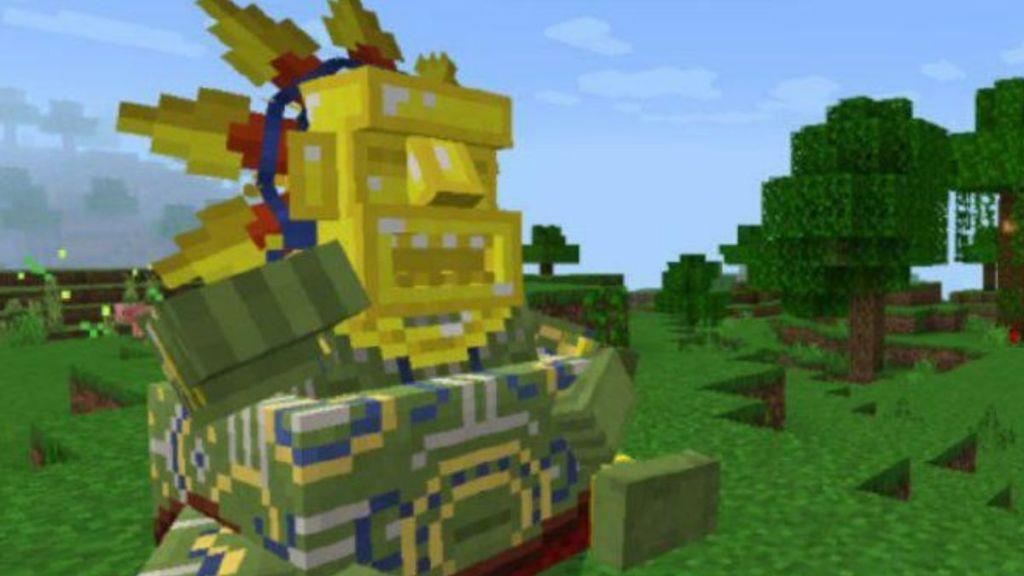
Mowzie’s Mobs mod in Minecraft Pocket Edition introduces curated bosses and mobs that you can try beating if you’re tired of the same old zombies and skeletons. Here, you will encounter the Frostmaw, an ice beast that breathes freezing winds, then comes the Naga, a poisonous serpent, and the Barakooa Tribe, a masked warrior.
Every new mob has its own special attacking patterns. So, you need to spend a good amount of time learning those patterns and then challenge them in a fight. A pro tip while taking on these mobs can be using a ranged weapon, as most of their powerful attacks are short-ranged.
Download Mowzie’s Mobs
4. Gun Mod
Gun Mod adds a variety of firearms to Minecraft Pocket Edition, allowing players to craft and use weapons like pistols, shotguns, and rifles. Each gun has unique stats, sounds, and recoil effects, making combat more intense and realistic. Players can gather materials to create ammunition, customize their loadouts, and face mobs or friends with an entirely new approach to battles.
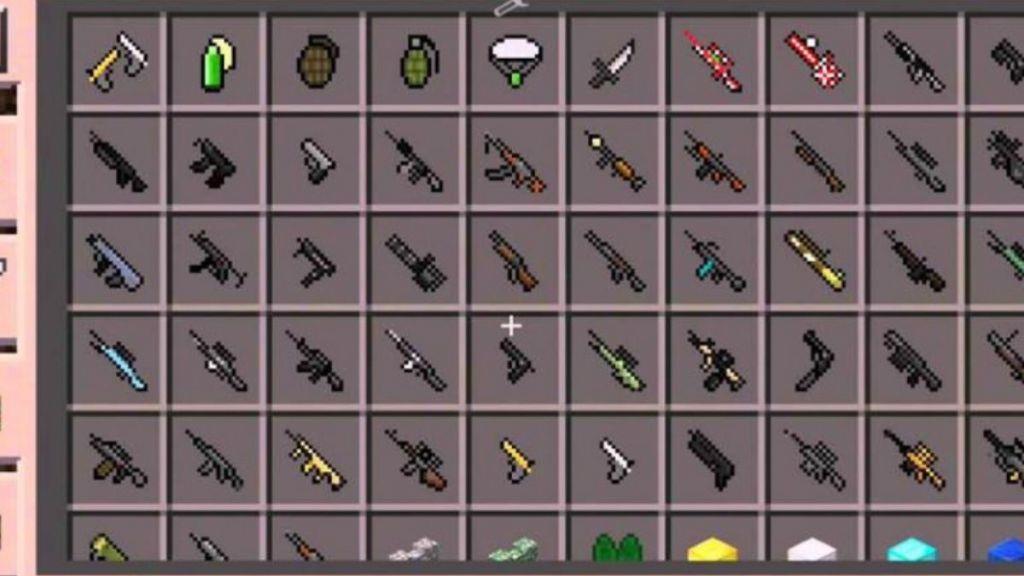
Let’s be honest and say who doesn’t love a bit of firepower inside games. The Gun mod is exactly for those who want guns and weapons in Minecraft as well. It brings a range of weapons to your peaceful little world, starting with small pistols to heavy rifles, and rocket launchers.
Not only that, each weapon includes crazy animations like weapon recoil and reloading effects. Apart from the real-world weapons, the mod adds some fun elements too. This includes the cookie minigun that shoots cookies at your enemies, and the Chicken sword that can summon groups of hens as you strike with it.
Download Gun Mod
5. Movie Mod
Movie Mod brings cinematic elements into Minecraft Pocket Edition, letting players create and experience scenes like in real films. It introduces camera controls, special effects, and character animations that make storytelling much more dynamic. Players can record short clips, build sets, and direct their own Minecraft movies with ease, offering endless creative possibilities for machinima and video projects.
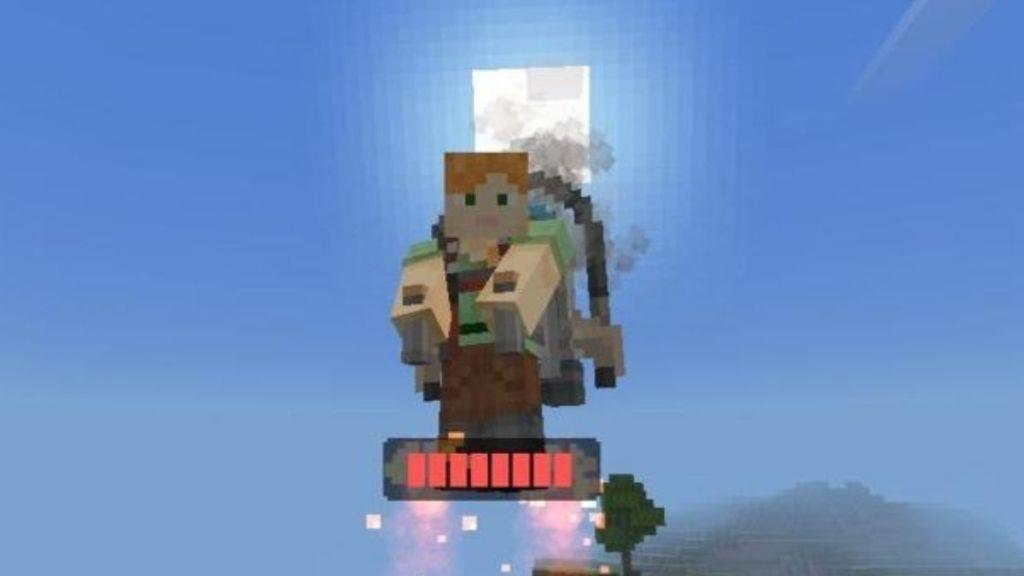
If you loved A Minecraft Movie, this Movie Mod is a must-try for you. It adds all the characters from the movie and even a lot of canon items as well. For instance, you get to use a Henry’s jetpack, the hot air balloons that the piglins flew on, and so on.
You can also have a chance to interact with the movie protagonists, Steve, Garrett, Henry, Natalie, and Dawn, using this mod. If you want to recreate any movie scenes with your friends, this mod will help you immensely.
Download Movie ModAlso Read: 10 Best Minecraft Spear Enchantments
6. Ben Ten Mod
Ben Ten Mod brings the action-packed Ben 10 universe into Minecraft Pocket Edition. Players transform into alien heroes like Heatblast or Four Arms using a watch-like item that shifts forms during fights or exploration. Fight Inkling monsters, collect DNA samples from defeated foes, and upgrade abilities with new weapons and gadgets. This mod adds thrilling combat and transformation mechanics perfect for fans craving superhero adventures in their blocky worlds.
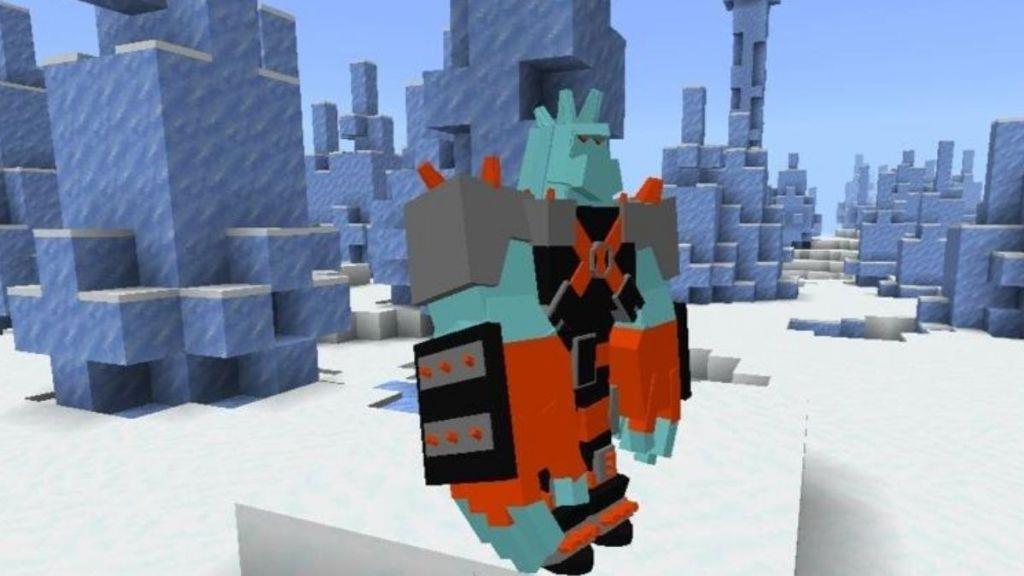
Being a 2000s kid myself, it has always been a dream to use the Omnitrix in real life. Although it never became a reality, I can become any alien and save the world with the Ben Ten mod in Minecraft. This one introduces the iconic characters from the show, including Heatblast, Wildmutt, Diamondhead, XLR8, and more.
With the Omnitrix in hand, you can transform into any alien you like. You’ll also find Ben Tennyson as an individual mob in the overworld and will attack you when provoked. However, I would not prefer going into a fight with him since he can take you down in two simple hits.
Download Ben Ten Mod
7. Train Your Dragon Mod
The Train Your Dragon Mod brings flying dragons into Minecraft Pocket Edition, letting players tame, ride, and raise them as loyal companions. Each dragon type has unique abilities, from breathing fire to gliding smoothly across biomes. Players can hatch dragon eggs, feed their growing beasts, and explore the skies together, turning survival mode into a thrilling adventure filled with power and freedom.
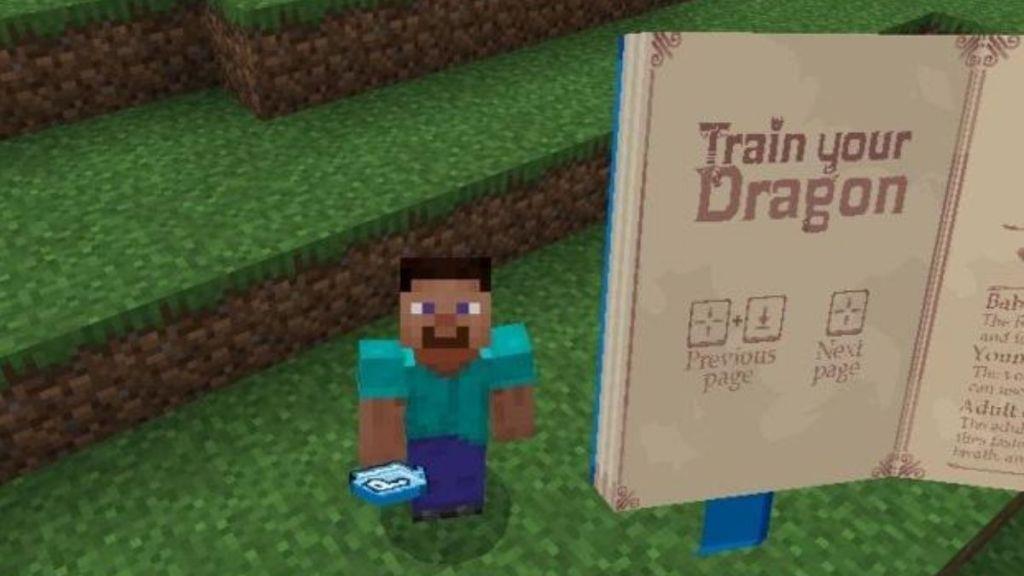
Another one of the most beloved mods on Minecraft PE is called Train Your Dragon. It’s inspired by the How to Train Your Dragon movie, and as the name suggests, you can find, tame, and fly on dragons once you have this mod installed.
As soon as you spawn inside, you’ll get a guidebook that gives you all the details. You can then find the dragon eggs and wait for them to hatch to get your companion. Now, all you need to do is feed and nurture this creature. Once it turns into an adult, you can ride it and soar through the skies. Later, you will find greater fire-breathing dragons and even some with thunder powers as well.
Download Train Your Dragon Mod
8. Rickshaw Mod
Rickshaw Mod adds a touch of everyday transport to Minecraft Pocket Edition by introducing rideable rickshaws. Players can craft and use these vehicles to move quickly through villages or cities, carrying friends or goods across different terrains. The mod combines creativity with functionality, offering a new way to explore maps and design themed environments with a realistic twist.
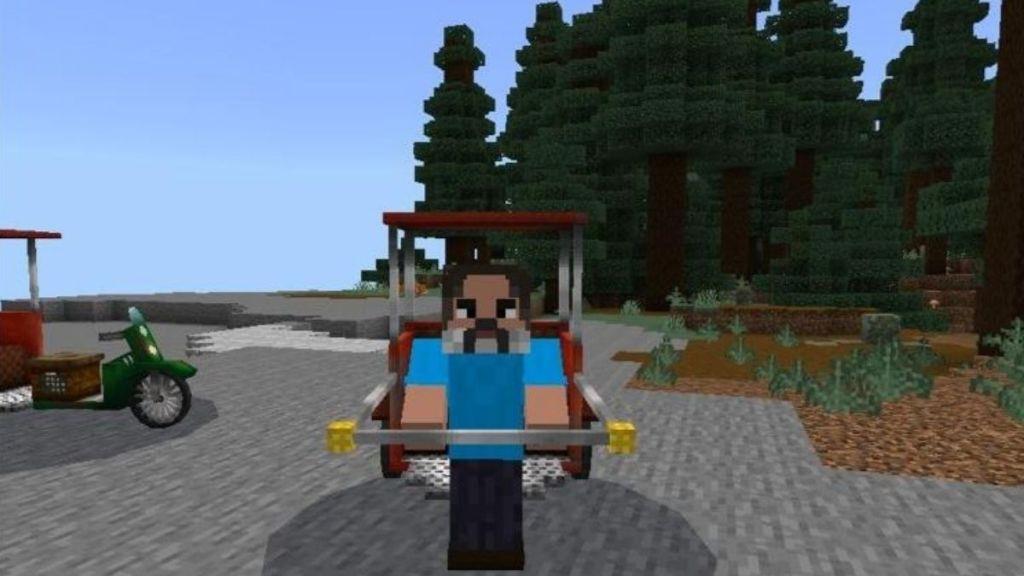
Adding to this list, we have a Rickshaw mod for Minecraft Pocket Edition. Yes, I know this doesn’t really add any sort of value, and looks sort of awkward and cringey. But some crafters love this sort of humor, and overall is a fun and unique add-on for your Minecraft world.
So, this mod adds three types of Rickshaw – the classic one, a cycle Rickshaw, and an Auto Rickshaw. While the classic one is made up of wood and must be pulled by hand, the cycle Rickshaw is a bike-styled variation, and the Auto Rickshaw is a fast modern variation with a motor in it.
Download Rickshaw Mod
9. Quidditch Mod
The Quidditch Mod brings the magic of flying broomsticks and thrilling matches to Minecraft Pocket Edition. Players can join teams, chase the Golden Snitch, and use enchanted gear to outscore their opponents. With smooth flight mechanics and stadium-style arenas, it recreates the excitement of the wizarding sport in block form. Whether flying solo or competing with friends, this mod adds a fun and competitive twist to the game.
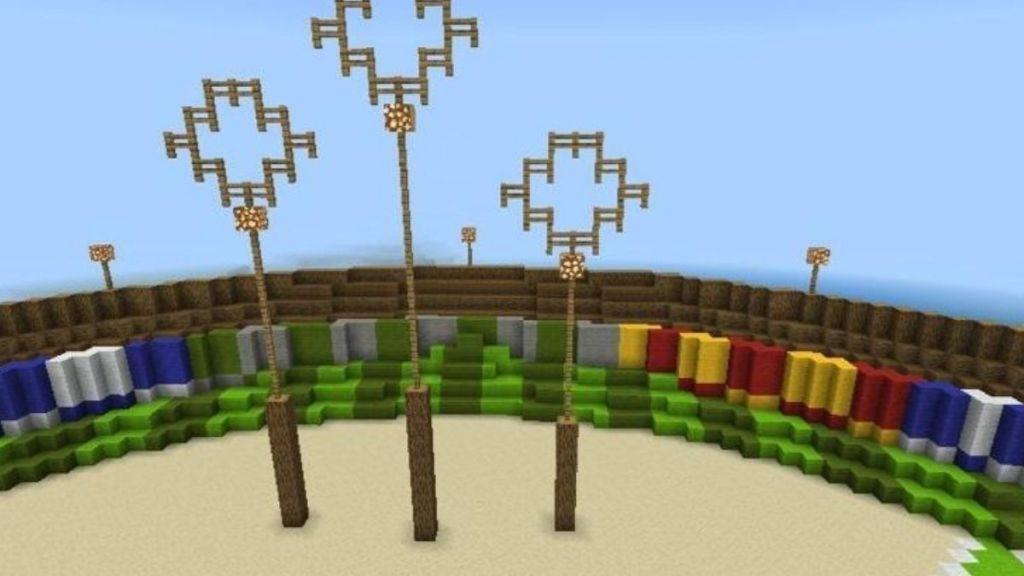
Next up, we have a Quidditch mod, perfect for all the Harry Potter fans out there. This mod adds a massive Quidditch arena structure in the world, where you can play with your friends. The building can also be made instantly with the Build Ball item.
So install this mod, and hop on the server where you will find brooms, uniforms, and hoops for a complete match setup. You can play as the Beaters, your team’s Keeper, or even as the Seeker. In addition to this, if you want to make your environment more like Hogwarts, consider installing the Hogwarts texture pack as well.
Download Quidditch Mod
10. RLCraft Mod
RLCraft Mod brings hardcore survival challenges to Minecraft Pocket Edition with thirst, temperature, and skill systems that demand careful resource management. Players face tougher mobs, realistic damage from falls or fire, and crafting tweaks requiring precise tools. This modpack tests endurance through permadeath risks and environmental hazards, turning basic gameplay into a punishing adventure. Install it via compatible add-ons to experience raw difficulty on mobile.
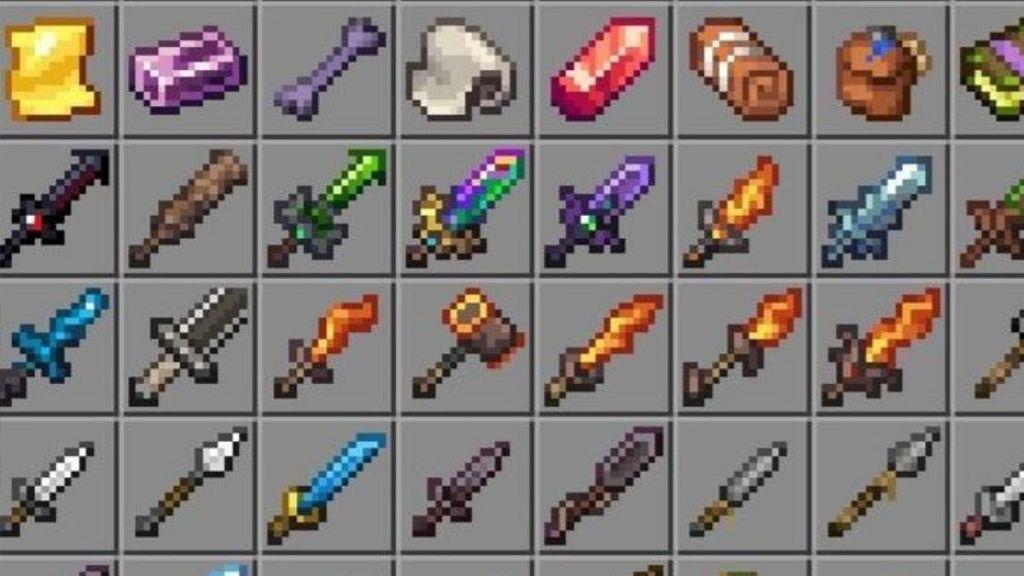
Finally, the RLCraft mod is best suited for the hardcore players out there who crave the survival mode. This mod will turn Minecraft into a brutal and realistic RPG world, where every second mob might attack you.
The survival elements like thirst, temperature, and fatigue are some additional elements added to the game. Apart from that, you will soon encounter thousands of new mobs and biomes while exploring the world. In order to tackle them, you can equip yourself with powerful gear like the new upgraded swords, mace, and spears. However, as you progress, the journey gets tougher, and you must constantly upgrade yourself to survive.
Download RLCraft Mod
How to install mods on Minecraft Pocket Edition step by step
Installing mods (now called add-ons) on Minecraft Pocket Edition (Bedrock Edition on mobile) is straightforward using .mcpack or .mcaddon files from trusted sites like MCPEDL. The process varies slightly for Android and iOS but generally involves downloading, importing, and activating packs. Always download from reputable sources to avoid malware, and back up your worlds first.
Android Steps
-
Download the mod file (.mcpack or .mcaddon) from a site like MCPEDL or via apps like Mod Master for MCPE.
-
Open the downloaded file using your file manager-it auto-opens in Minecraft and imports to Global Resources under Settings > Storage.
-
Create a new world or edit an existing one: Tap the pencil icon, go to Resource Packs/Behavior Packs > My Packs, activate the mod, and ensure it’s at the top.
-
Enable Experimental Gameplay if prompted, then play to test.
iOS Steps
-
Download the mod file, often using apps like Mod Master or directly from Safari.
-
Tap the file to import-it appears in Minecraft Settings > Global Resources as a pack.
-
Edit your world: Select Resource/Behavior Packs, activate from My Packs, and move to active slot.
-
Turn on any required toggles and load the world.
Troubleshooting Tips
-
If packs don’t appear, restart Minecraft or check file permissions.
-
Resource packs handle visuals/textures; Behavior packs add mechanics-install both if separate.
-
For older mods, use file explorers to place in games/com.mojang folders, but modern .mcpack auto-imports easily.
Which mods are safe and compatible with my Minecraft PE version
Minecraft Pocket Edition (now Bedrock Edition on mobile) is currently at version 1.21.5 or similar as of January 2026, based on recent updates-check your exact version in Settings > About for precise compatibility. Mods from trusted sites like MCPEDL (mcpedl.com) are generally safe if they specify Bedrock 1.20+ support, as they undergo community vetting to avoid malware.
Safe Sources
Download only from reputable platforms to ensure safety and virus-free files:
-
MCPEDL: Primary hub for .mcpack/.mcaddon files; user ratings and version tags confirm compatibility.
-
Google Play/App Store apps like “Mods AddOns for Minecraft PE” (4.4 stars, 10M+ downloads)-auto-installs safe, updated packs without manual file handling.
-
Planet Minecraft MCPE section: Popularity-sorted with version filters.
Compatible Mods from Top List
All previously listed top 10 mods (e.g., 99 Night Forest, Mowzie’s Mobs, RLCraft) are confirmed safe and compatible with 1.20.5-1.21+ via MCPEDL, as they use native Bedrock add-on format-no root/jailbreak needed.
| Mod Name | Version Support | Safety Notes |
|---|---|---|
| 99 Night Forest | 1.21+ | MCPEDL-verified, no malware |
| Mowzie’s Mobs | 1.20.6+ | Community-tested stability |
| RLCraft | 1.21+ | Hardcore, enable experiments |
| Gun Mod | 1.20+ | Popular, frequent updates |
| Backpack Mod | All recent | Lightweight, auto-compatible |
Compatibility Checks
Verify a mod’s version match on its download page (look for “1.21.x” tags) and test in a new world first. Use apps like Mods AddOns for one-tap compatibility scans; avoid random sites or .apk files outside Play Store. Multiple mods stack if from the same source, but disable conflicts in world settings.