October 2025 brought chaos and strategy to Plants vs Brainrots: wild weather twisted battlefields, while rare admin events reshaped player tactics. Mutations sprouted new powers and hazards, turning every round into an unpredictable struggle for survival.
List of Plants vs Brainrots Weather Events
The weather events in Plants vs Brainrots during October 2025 included a variety of conditions that changed gameplay dynamics and plant abilities. Players encountered Acid Rain, which boosted mutant growth rates, and Fog Storms that reduced visibility across maps. Solar Flares temporarily increased energy output for sun-producing plants, while Frostbites slowed down enemy movements. Each weather type added unique environmental challenges and opportunities, influencing both strategy and mutation outcomes throughout the event.
The regular Plants vs Brainrots weather events can occur anytime, randomly. These can change the surroundings, along with additional boosts to get certain Plants and Brainrots mutations.
Despite being regular events, you can join the Plants vs Brainrots update during the initial hours to enjoy some of them occurring frequently. That said, here is the list of all the weather events:
| Weather | Effects |
|---|---|
| Icy Blizzard | Higher chance to apply the Frozen mutation |
| Glided Awakening | Higher chance to apply the Gold mutation |
| Lucky Potion | Grants a temporary luck boost for 30 minutes |
| Damage Potion | Plants deal 50% more damage for 30 minutes |
| Speed Potion | Speed Potion |
| Server Luck | Higher Chance of rare Brainrot Spawning for 15 minutes |
| Prismatic Surge | Higher chance to apply the Rainbow mutation |
List of Plants vs Brainrots Admin Events
These events introduce special server-wide activities managed by the game’s administrators, adding limited-time challenges and rewards to the experience. Players can expect surprise boss fights, seasonal rewards, and unique item drops that often tie into ongoing mutation or weather effects. Admin events also serve as testing grounds for new features or balance tweaks, making them an exciting highlight for active players each month.
While certain events occur naturally, some can only take place when the admins of Plants vs Brainrots manually trigger them. These are called admin events, and a few of them can massively increase luck, the rarity of the Brainrots. Moreover, these events are ideal to get some rare Plants vs Brainrots codes, as the developers drop them before running the events.
That said, here’s a list of all the Admin events in Plants vs Brainrot:
| Admin Event | Effects |
|---|---|
| Reality Flip | Warps brainrots into strange variants with greatly increased mutation chances |
| Cosmic Bloom | Causes brainrots to sprout Galactic variants with extremely increased mutation chances |
| Underworld Rift | Twists brainrots into demonic variants with extremely increased chances of Underworld mutations |
| Eruption | Evolves brainrots into volcanic variants with extremely increased chances of Volcano mutations |
Also Read: Plants vs Brainrots Bosses Guide
All Weather and Admin Events in Plants vs Brainrots Explained
All Weather and Admin Events in Plants vs Brainrots add new dynamics to the Roblox game, changing how players adapt their strategies during matches. Weather events such as Acid Rain or Fog alter visibility, damage rates, and movement speed, forcing players to adjust their team compositions. Admin Events, triggered by developers or special occasions, introduce rare mutations, boosted rewards, or limited-time plant variants. These features keep gameplay fresh and unpredictable, rewarding players who pay attention to shifting conditions and rare opportunities.
Now that you know about the Plants vs Brainrots weather and admin events, here is a detailed breakdown of each one of them:
1. Icy Blizzard
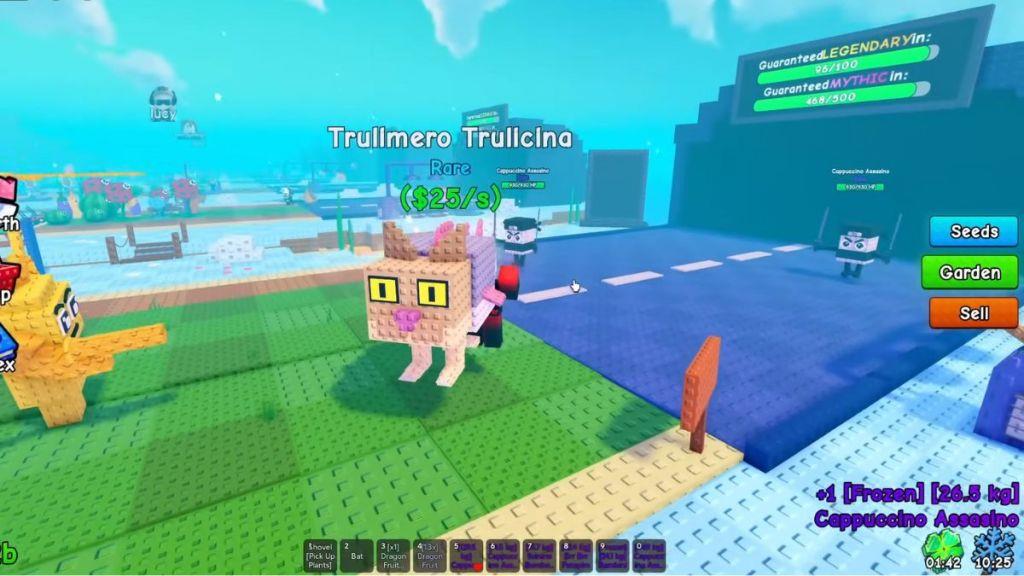
Icy Blizzard is just like a snowstorm, freezing everything around you. This weather condition applies the Frozen mutations to your plants, giving them a damage boost and the frozen modifier. This lets the plants freeze brainrots. During the weather, there is a higher chance for Frozen Brainrot to appear from the tunnel.
2. Glided Awakening
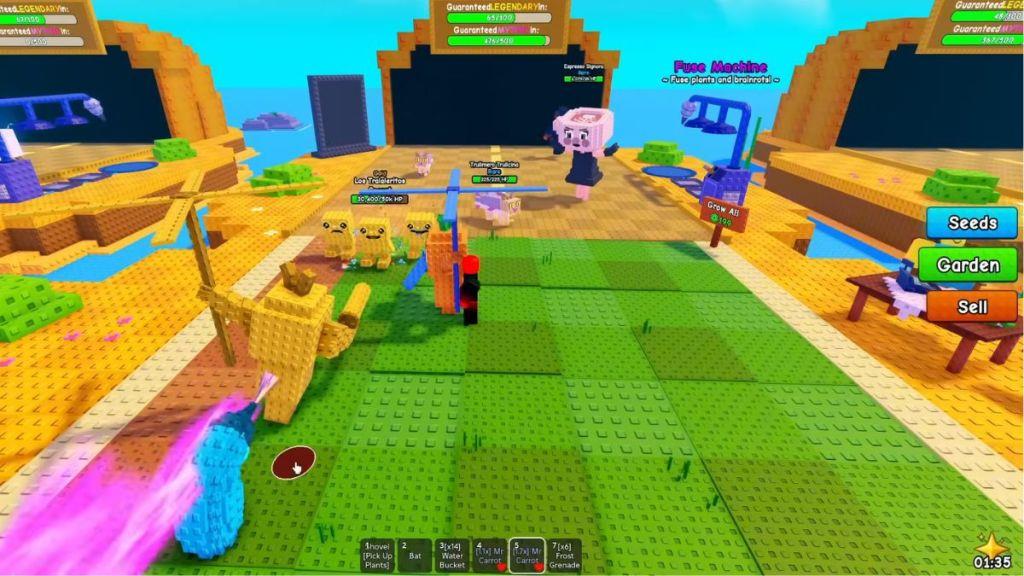
Glided Awakening is a random weather condition that turns the grass of the island yellow. This weather condition boosts your chance of obtaining a Gold Mutation Plant or Brainrot.
3. Lucky Potion
Lucky Potion is a special event that can be triggered by players. You’ll need to buy the potion from the shop for 179 Robux. Using it will double your luck, which will last up to 30 minutes.
4. Damage Potion
Similar to the Lucky Potion, players need to buy the Damage Potion from the in-game Shop for 199 Robux. Using the Damage potion will increase the damage of your Plants for 30 minutes by 50%.
5. Speed Potion
Speed Potion is just like the previous potions that we discussed. You can buy it from the shop for 199 Robux, and it can be used to increase the Plants’ attacking speed and the Brainrots’ spawning speed by 50%.
6. Server Luck
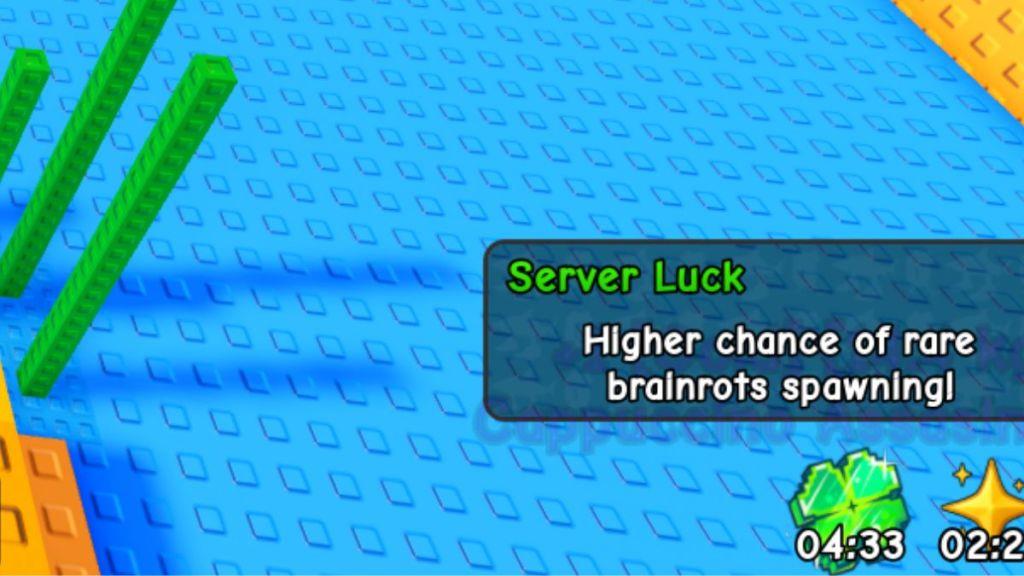
Server Luck is another one of those weather events that you can trigger by spending real-life money. You can spend 149 Robux and boost your luck by 2x for 15 minutes. Alternatively, stay on the server during the Admin Abuse events to enjoy the Server Luck.
7. Prismatic Surge
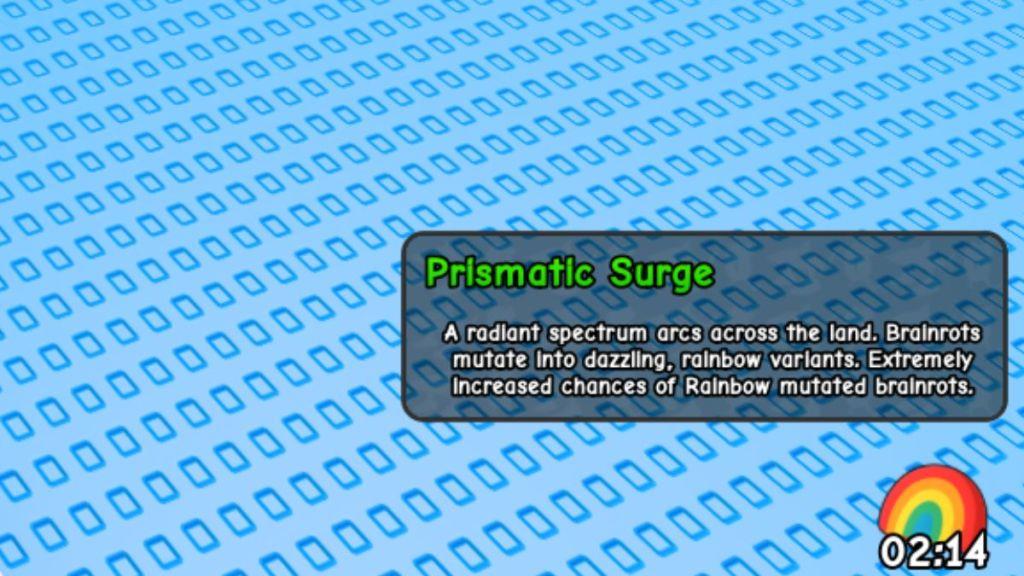
Prismatic Surge is a random weather event that mutates brainrots into dazzling rainbow variants with extremely increased chances of obtaining Rainbow mutations. The event has a higher chance of spawning during Admin Abuse.
8. Reality Flip
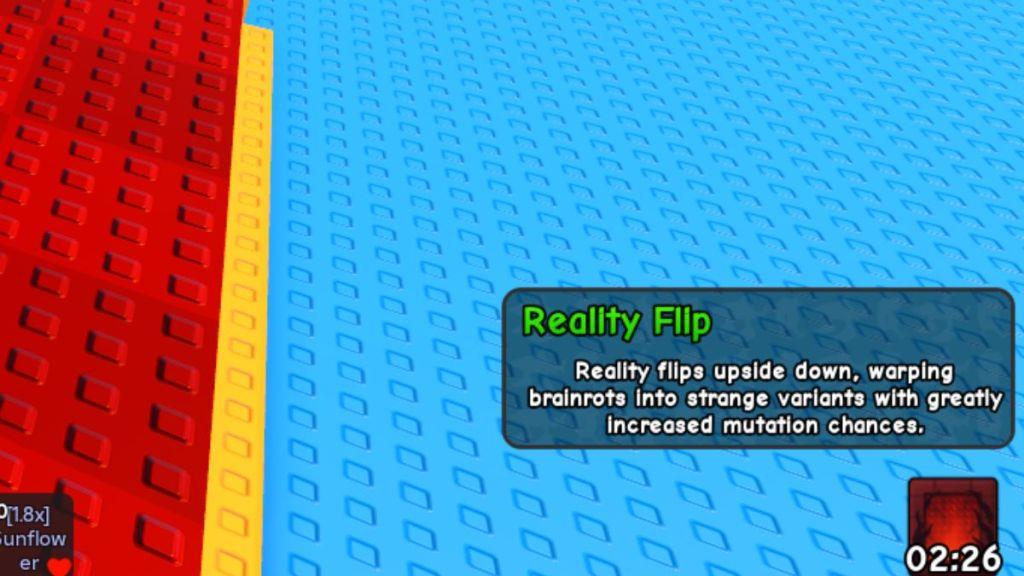
Reality Flip is an Admin-exclusive event, which means it can only be triggered by the admins. This event flips the reality upside down, increasing mutation chances for Brainrot. This also applies the UpsideDown mutation to the Brainrots.
9. Cosmic Bloom
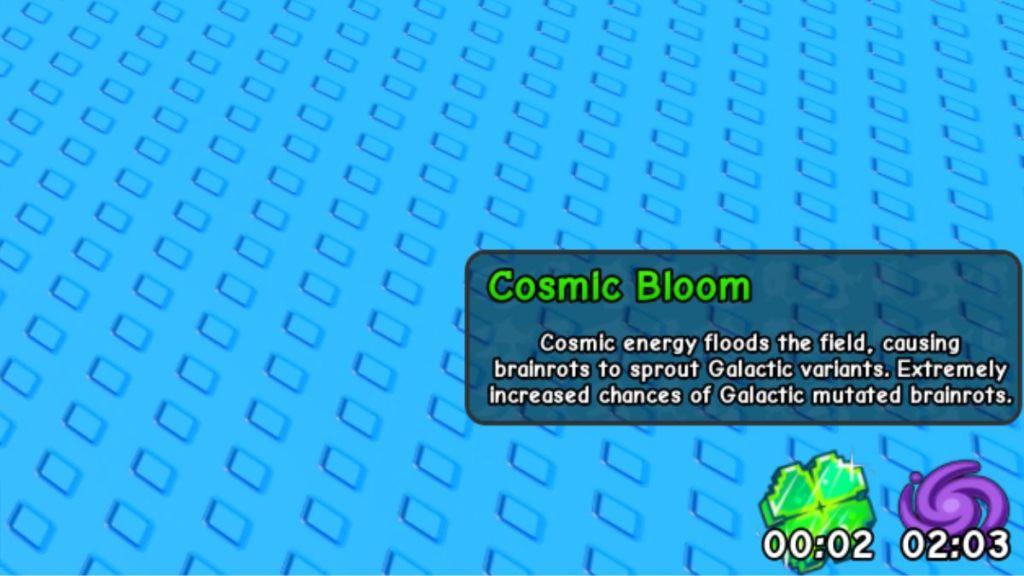
During the Cosmic Bloom Admin event, the island gets flooded with Cosmic Power, which mutates them into their Galaxy variant. The chances for Galactic mutated Brainrots to appear are highly increased.
10. Underworld Rift
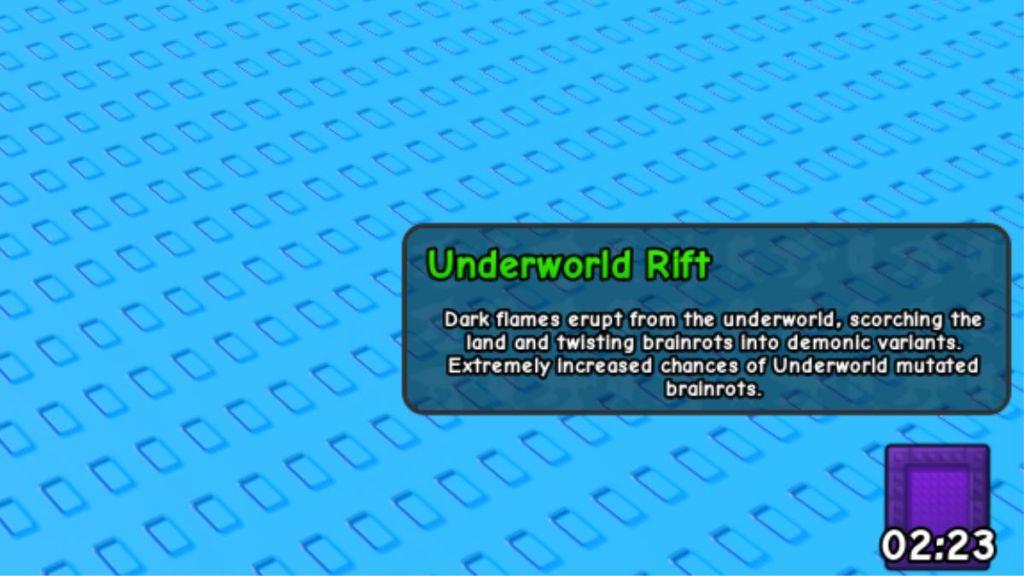
Dark flames erupt from the underworld during the Underworld Rift Admin event, scorching the land and twisting Brainrots into demonic variants. There is a highly increased chance for Underground mutated Brainrots to appear.
11. Eruption
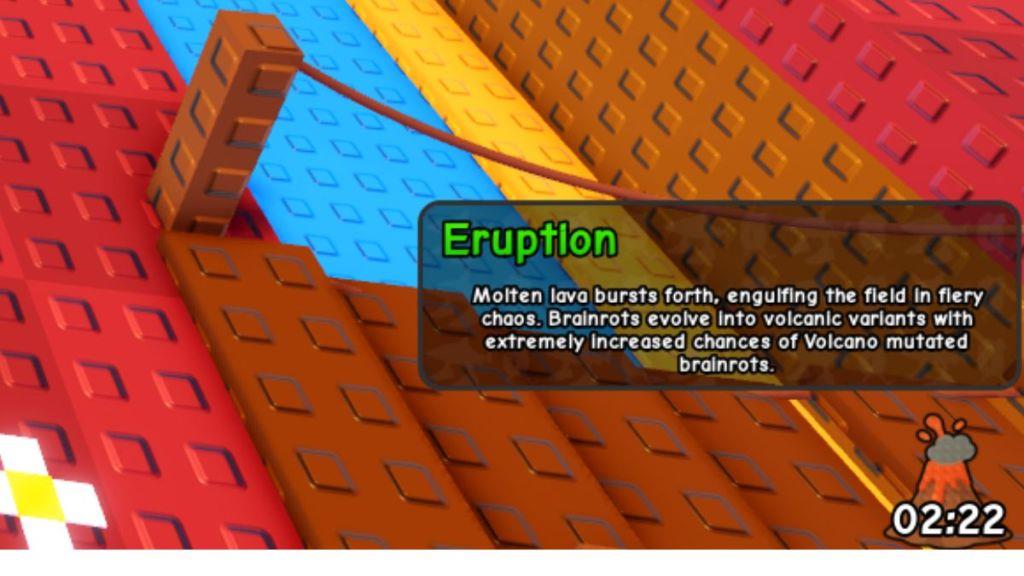
Molten lava bursts out from the ground, engulfing the land in flames during the Eruption Admin event. During the event, Brainrots evolve into highly volcanic variants, and there is a very high chance for them to be Volcano mutated.
When do Admin events typically trigger in-game
Admin events in Plants vs. Brainrots typically trigger manually by developers 2-3 times per week, often about one hour before major game updates, such as on Saturdays around 6:00-7:30 AM EST. These events last 30-60 minutes and affect all servers simultaneously, including private ones, with announcements usually posted in the official Discord for real-time alerts.
Trigger Patterns
Events align with weekly update schedules, like Fridays or Saturdays before content drops.
-
No fixed daily times; patterns show Friday-Sunday evenings as common.
-
Surprise sessions occur without warning, but devs sometimes ping Discord hours early.
Preparation Tips
Join high-population servers early and enable Discord notifications for #game-announcements.
Monitor for admin logins or visual cues like sudden rare spawns during peak update windows.
How can I get Discord alerts for admin events
To get Discord alerts for Plants vs. Brainrots admin events, join the official game Discord server linked in the Roblox game description or via community sites, then enable notifications for key channels like #announcements or #game-updates. Right-click the server icon, select “Notification Settings,” and choose “All Messages” or “@mentions” to receive pings during event announcements.
Steps to Enable
-
Search for “Plants vs Brainrots” official Discord on Roblox forums or group pages and join.
-
In the server, go to the channel list, right-click #announcements (or similar), and select “Notification Settings” > “All Messages.”
-
Turn on mobile push notifications in Discord settings for real-time alerts even when offline.
Best Practices
Devs post pings 30-60 minutes before events, so stay active during peak times like Friday-Saturday evenings. Mute unrelated channels to avoid spam while keeping event channels loud.
